Sell Your iPad
Looking to sell a different device? Click here
Select your iPad model to get an instant quote.
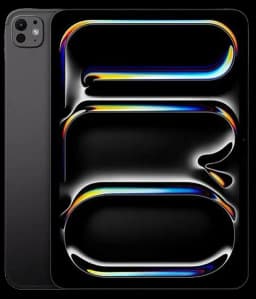
Apple iPad Pro 13-inch M5 Standard glass
Up to $1
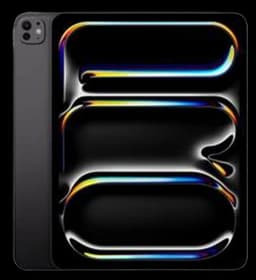
Apple iPad Pro 13-inch M5 Nano-texture glass
Up to $1
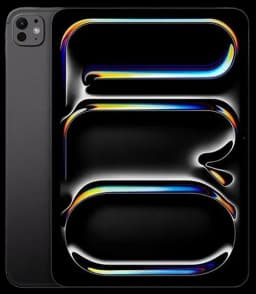
Apple iPad Pro 11-inch M5 Standard glass
Up to $780
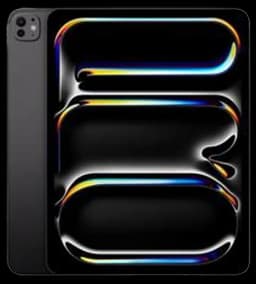
Apple iPad Pro 11-inch M5 Nano-texture glass
Up to $822

Apple iPad Air 13-inch M3
Up to $622

Apple iPad Air 11-inch M3
Up to $458
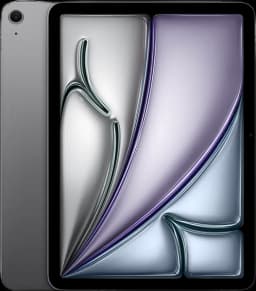
Apple iPad Air 13-inch M4
Up to $143
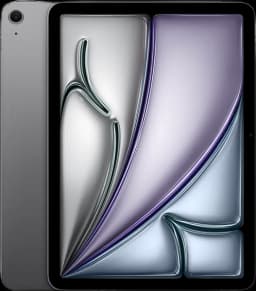
Apple iPad Air 11-inch M4
Up to $138
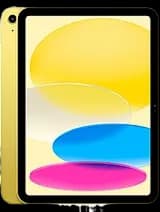
Apple iPad (11th generation)
Up to $265
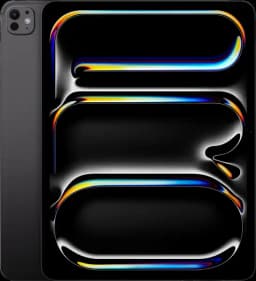
Apple iPad Pro 13-inch M4 Standard glass
Up to $916
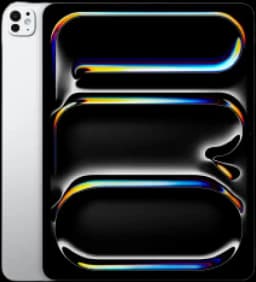
Apple iPad Pro 13-inch M4 Nano-texture glass
Up to $974
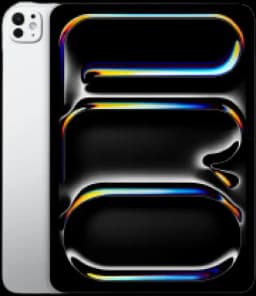
Apple iPad Pro 11-inch M4 Standard glass
Up to $651
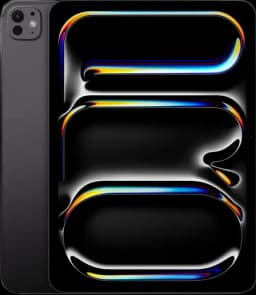
Apple iPad Pro 11-inch M4 Nano-texture glass
Up to $697

Apple iPad Air 13-inch M2
Up to $574

Apple iPad Air 11-inch M2
Up to $503
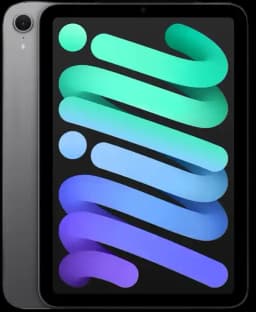
Apple iPad Mini 7
Up to $333
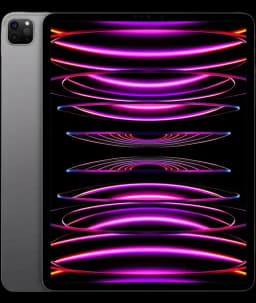
Apple iPad Pro 12.9-inch (6th generation) M2
Up to $497
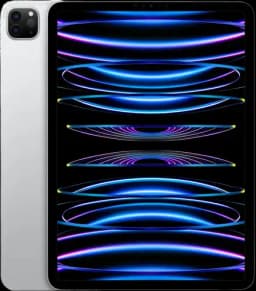
Apple iPad Pro 11-inch (4th generation) M2
Up to $538
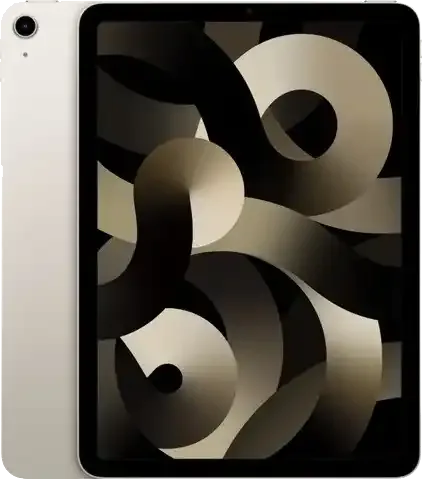
Apple iPad Air 5
Up to $277
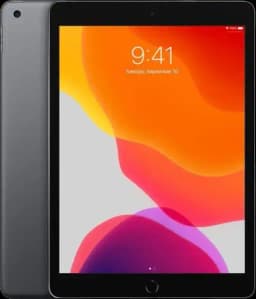
Apple iPad (10th generation)
Up to $194

Apple iPad Pro 12.9-inch (5th generation) M1
Up to $486
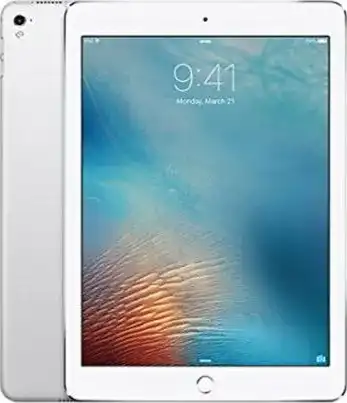
Apple iPad (9th generation)
Up to $97
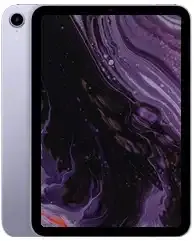
Apple iPad Mini 6
Up to $230
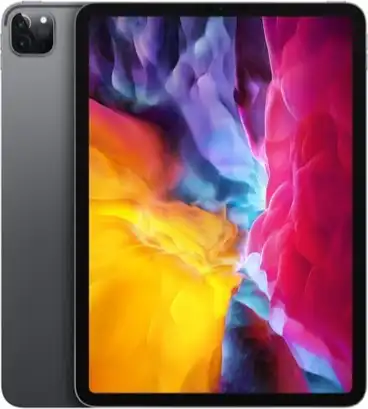
Apple iPad Pro 12.9-inch (4th generation)
Up to $345
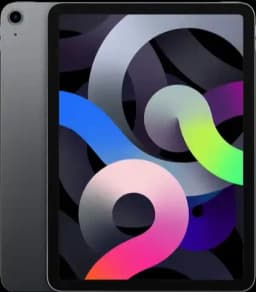
Apple iPad Air 4
Up to $206
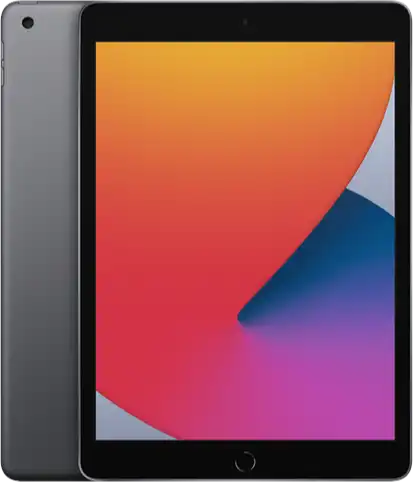
Apple iPad (8th generation)
Up to $79
Apple iPad Air 3
Up to $107
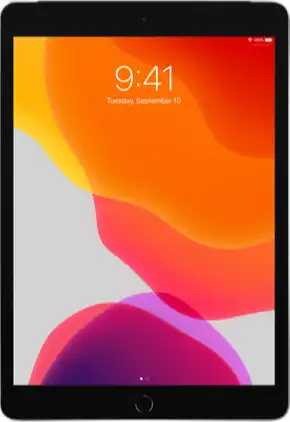
Apple iPad (7th generation)
Up to $65
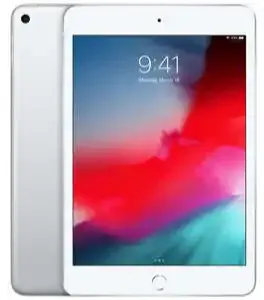
Apple iPad Mini 5
Up to $118
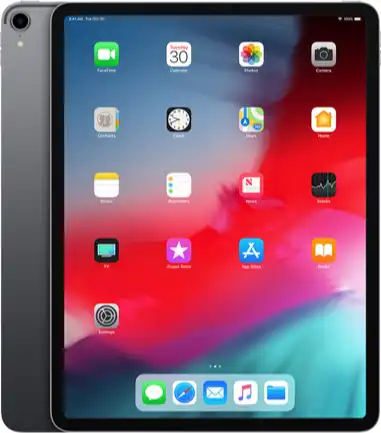
Apple iPad Pro 12.9-inch (3rd generation)
Up to $283
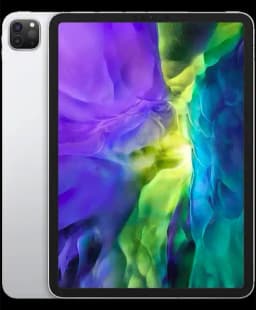
Apple iPad Pro 11-inch (3rd generation) M1
Up to $414
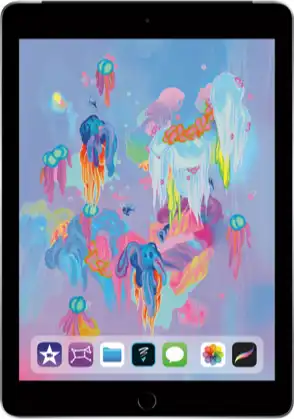
Apple iPad (6th generation)
Up to $37
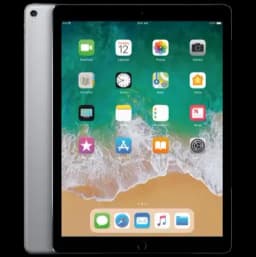
Apple iPad Pro 12.9-inch (2nd generation)
Up to $158
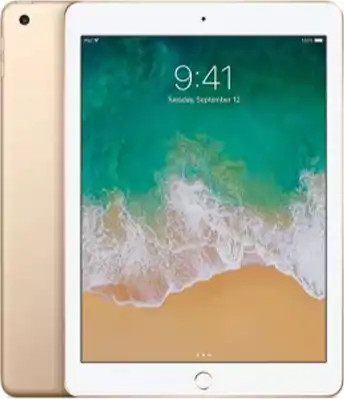
Apple iPad Pro 11-inch (2nd generation)
Up to $330
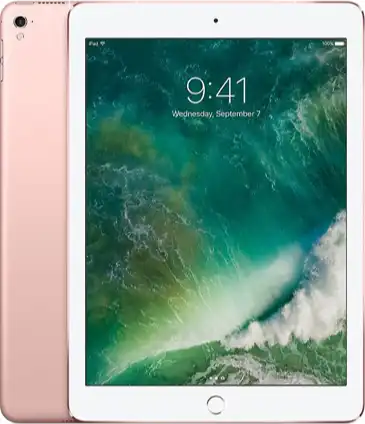
Apple iPad Pro (9.7-inch)
Up to $34
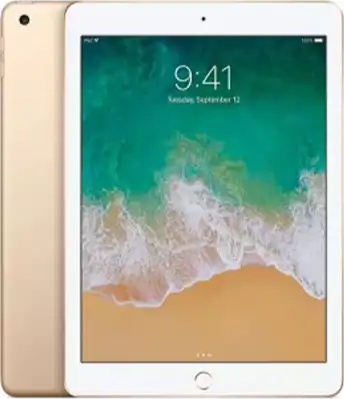
Apple iPad Pro (10.5-inch)
Up to $66
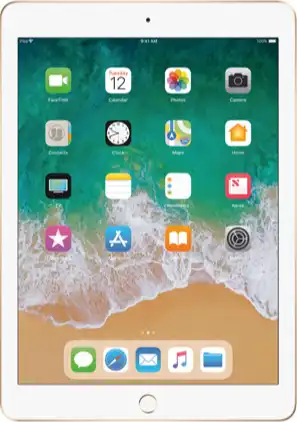
Apple iPad (5th generation)
Up to $32
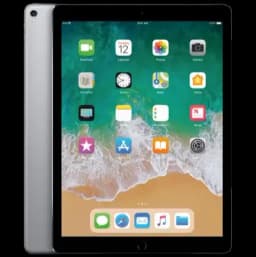
Apple iPad Pro 12.9-inch (1st generation)
Up to $101
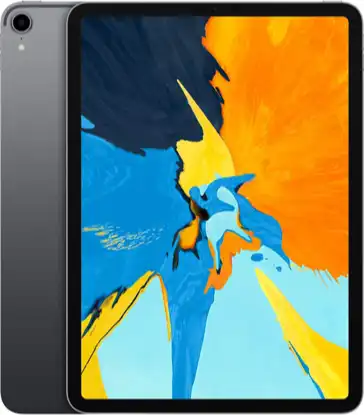
Apple iPad Pro 11-inch (1st generation)
Up to $222
Apple iPad Mini 4
Up to $35
iPad Trade-In FAQs
−How do I identify my iPad model?
You can identify your iPad model by opening Settings → General → About and looking for the Model Name. If the model name is not shown, you can use the Model Number listed there to determine your exact iPad.
−What's the easiest way to sell an iPad for cash?
The easiest way to sell your iPad for cash is through an online trade-in service like BuybackTree. Simply select your iPad model, answer a few quick questions about its condition, and receive an instant quote. If you accept the offer, ship your device to us and get paid after the device is inspected.
−When's the best time to sell my iPad?
iPads tend to lose value as newer models are released. Selling your iPad sooner usually results in a higher payout. Many people choose to sell their iPad when upgrading to a newer model or when they no longer need the device.
−How should I prepare my iPad before selling it?
Before sending your iPad, you should:
• Back up your data to iCloud or a computer • Sign out of your Apple ID and iCloud account • Turn off Find My iPad • Erase the device through Settings → General → Transfer or Reset iPad • Remove any personal accessories such as cases or screen protectors
Taking these steps protects your personal information and helps ensure a smooth trade-in process.
Why Sell With Us?
Plenty of options out there. Here's why thousands of sellers choose us.

1,000+ 5 Star Reviews
Don't take it from us, read our reviews.

A+ BBB Rating
Our Better Business Bureau rating.

Fast Payment
Trade in and get paid within 2 days.

Partnered Platforms
We partner with trusted marketplaces.

Higher Offers
Some of the highest payouts available.

Highly Rated
Top-rated on Google and Trustpilot.